



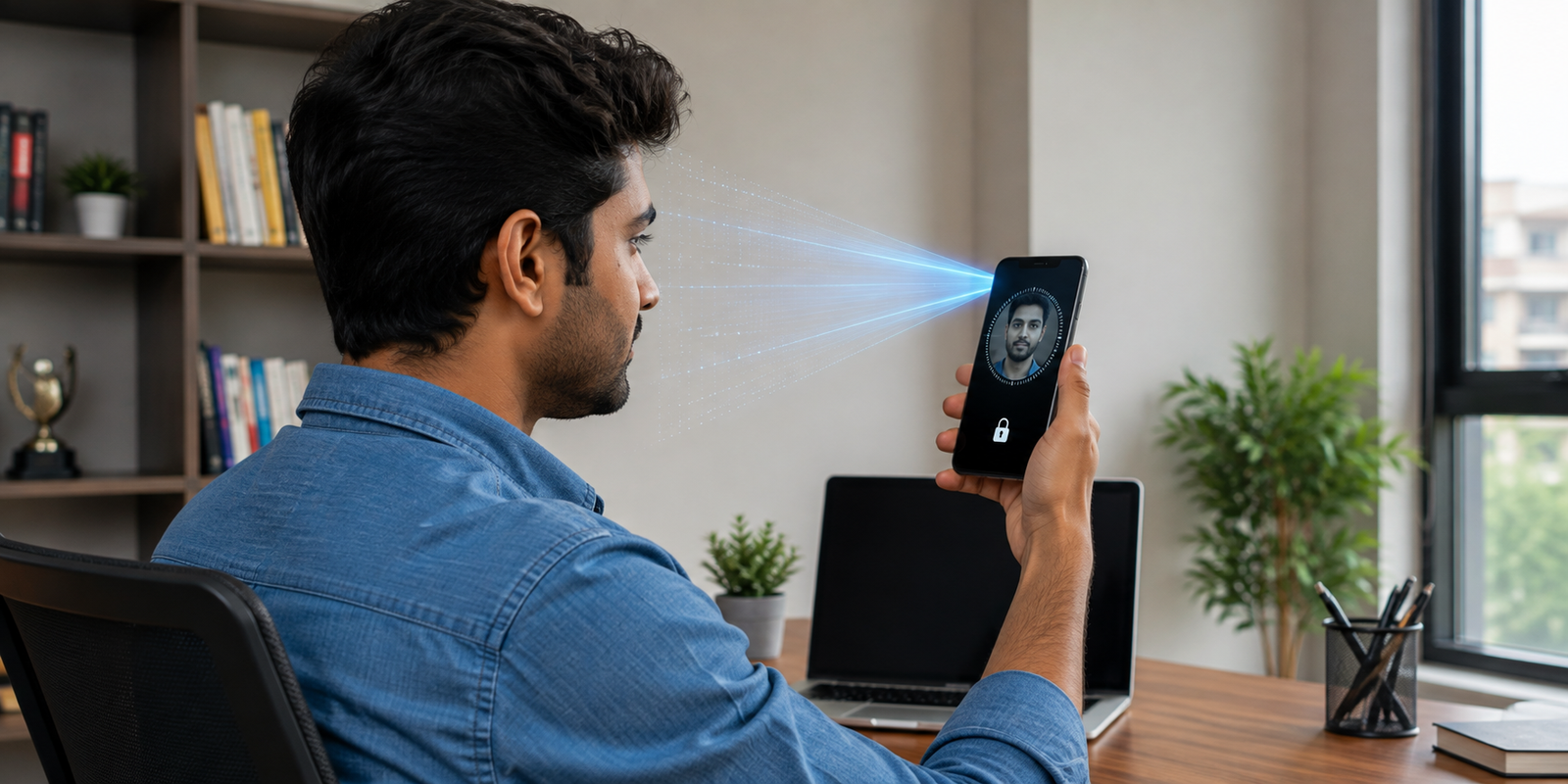
Face ID is a biometric security feature that lets you unlock a compatible phone and approve protected actions with a glance. Instead of entering a PIN repeatedly, it checks whether the person using the device matches the enrolled face.
For everyday use, this makes security feel effortless. You can unlock your phone, approve supported payments, and access protected apps without typing a code each time. However, convenience works best with a strong passcode and sensible privacy settings.
What Is Face ID and How Does It Work?
This biometric system uses facial recognition technology to create a mathematical representation of your face. On supported Apple devices, sensors capture depth and infrared information to recognize facial features.
During setup, you move your head so the device can build a facial map. Later, sensors scan your face and compare the new information with the stored representation. If the match meets the required security level, access is granted.
The system can handle changes such as glasses or facial hair. However, a covered face, blocked sensors, or unusual positioning can affect recognition.

How Face ID Keeps Your Phone Secure
The main advantage of Face ID is convenience without removing a security check. Instead of relying on an easy PIN that someone might guess or observe, you can use biometric authentication for routine actions.
Depending on the device and settings, it can authenticate payments, password autofill, app access, and other sensitive actions. On supported Apple devices, biometric matching is designed to happen on the device using secure hardware.

5 Smart Ways Facial Authentication Helps in Daily Life
1. Faster Phone Unlocking
You can unlock your phone by looking at it instead of typing a passcode. This is useful when your hands are busy.
2. Supported Payments
Biometric verification can provide a quick confirmation step for supported purchases while working alongside other payment security controls.
3. Protecting Personal Apps
Phones contain private photographs, messages, documents, and account information. Supported apps can use biometric authentication as an additional barrier against unauthorized access.
4. Password Autofill
It can verify your identity before saved credentials are filled on supported devices. This makes stronger, unique passwords easier to use.
5. Everyday Convenience
Whether you are commuting, carrying shopping bags, or working at a desk, facial authentication removes the need to enter a PIN for many routine interactions.

Biometric Authentication vs. Passcode: Which Is Better?
Both methods have a role. A passcode is the essential fallback, while facial authentication is designed for fast everyday access.
| Security method | Main advantage | Common limitation |
|---|---|---|
| Biometric authentication | Fast and convenient | Can fail in unusual conditions |
| Strong passcode | Reliable fallback | Slower to enter frequently |
| Password manager | Supports unique passwords | Needs secure account protection |
The strongest approach is to use both. Choose a difficult-to-guess passcode and use biometric authentication for routine access. Avoid birthdays, simple patterns, or predictable numbers.
Is Facial Authentication Safe for Your Privacy?
Privacy depends on how biometric information is stored and processed. On supported Apple devices, facial matching is designed to take place on the device using secure hardware.
Good privacy habits still matter. Review app permissions, install software updates, and only allow biometric access for apps you trust. Keep your device passcode private as well.
Biometric information differs from a password because you cannot simply replace your face if biometric data is compromised. Secure device design therefore remains important.

What Happens When Facial Authentication Fails?
The system can temporarily fail when your face is covered, sensors are obstructed, positioning is unusual, or the device requires a passcode after a security event.
When recognition fails, use the device passcode. Keeping that fallback secure is just as important as setting up the biometric feature correctly.
Conclusion: Is Face ID Worth Using?
Face ID offers a practical balance between security and convenience. It can make authentication faster while helping protect sensitive information, payments, and supported applications.
For compatible-device users, enabling it is a sensible choice. The best setup combines Face ID with a strong passcode, updated software, and sensible privacy settings.